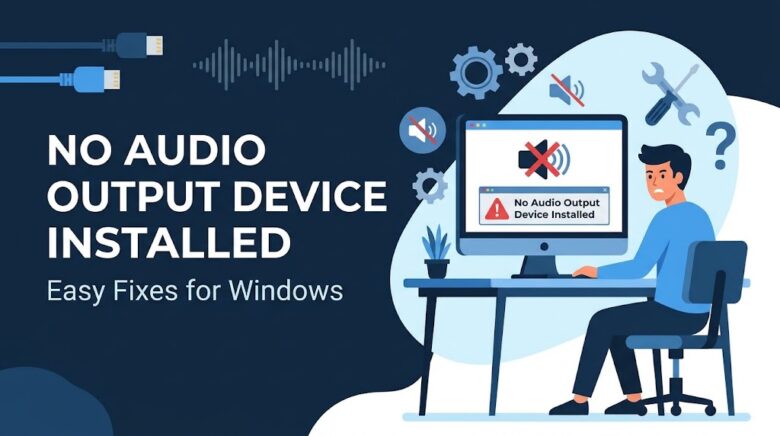
Few things are more frustrating than settling down at your PC to watch a video, play a game, or hop onto a video call, only to realize your system is completely silent. To make matters worse, you look down at your taskbar and see a tiny red “X” over the speaker icon. Hovering your mouse …
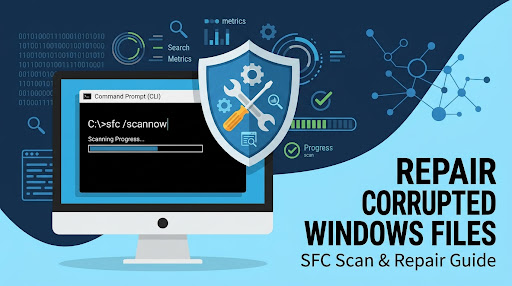
Operating systems are incredibly complex networks of millions of system files. If even one of these critical files becomes damaged, deleted, or corrupted, Windows will start showing signs of instability. Whether you are experiencing sudden Blue Screen of Death (BSOD) errors, applications crashing without explanation, missing DLL warnings, or core Windows settings failing to load, …
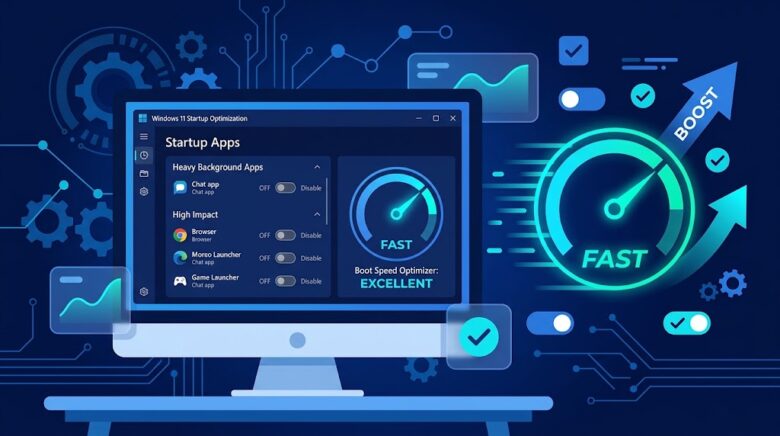
A brand-new Windows 11 installation boots to the desktop in seconds and idles at a fraction of your available memory. Give that same machine six months of everyday software installations, however, and the boot experience changes dramatically. Fans spin up immediately after login, the taskbar takes ten seconds to become responsive, and four to six …
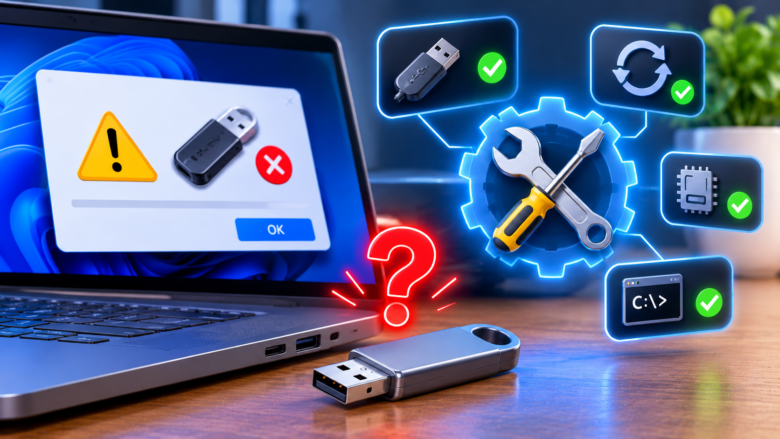
Connecting an external hard drive, flash drive, gaming mouse, or audio interface to your computer should be an instant plug-and-play handshake. Instead, Windows chimes with a failure tone and throws a taskbar notification reading: “The last USB device you connected to this computer malfunctioned, and Windows does not recognize it.” Your storage drive never appears …
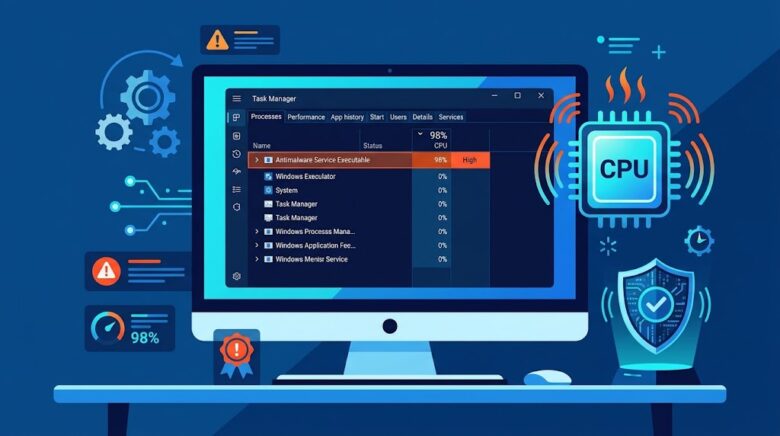
Few things disrupt a workflow or gaming session faster than sudden system stutter accompanied by laptop or desktop fans roaring at maximum RPM. When you press Ctrl + Shift + Esc to inspect Task Manager, you will often find a single background process sitting at the very top of the CPU and Disk columns: Antimalware …